Claiming a UIndy Parent/Guardian Proxy Account
Once your student has initiated a UIndy Parent/Guardian Proxy Account for you:
- Look for an email titled ‘UIndy Parent/Guardian Proxy Account - Access Granted’
- Within the email, under the ‘Getting Started’ section, click on the temporary link provided
- Enter the temporary password provided in the email and click submit
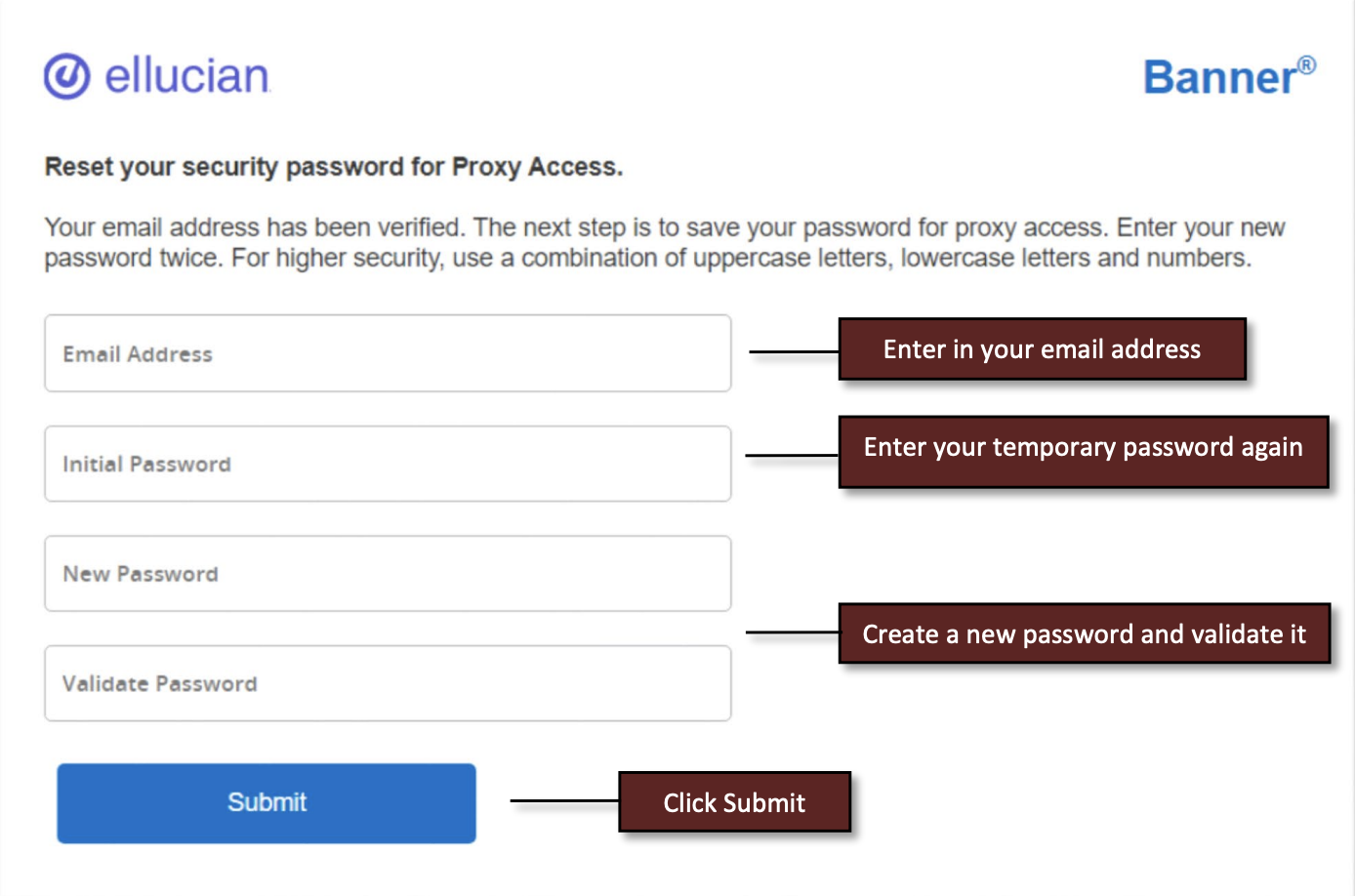
- On the next screen, fill out the form to reset your security password for proxy access
- Your UIndy Parent/Guardian Proxy account should now be claimed. Going forward you can access your UIndy Parent/Guardian Proxy account by using your username (email address) and the password you created while claiming your account.