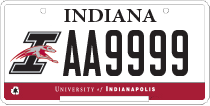
Update Your Vehicle Information
- Access the UIndy Parking Portal. Use any of these browsers: Chrome, Internet Explorer, MS Edge, Safari or Firefox
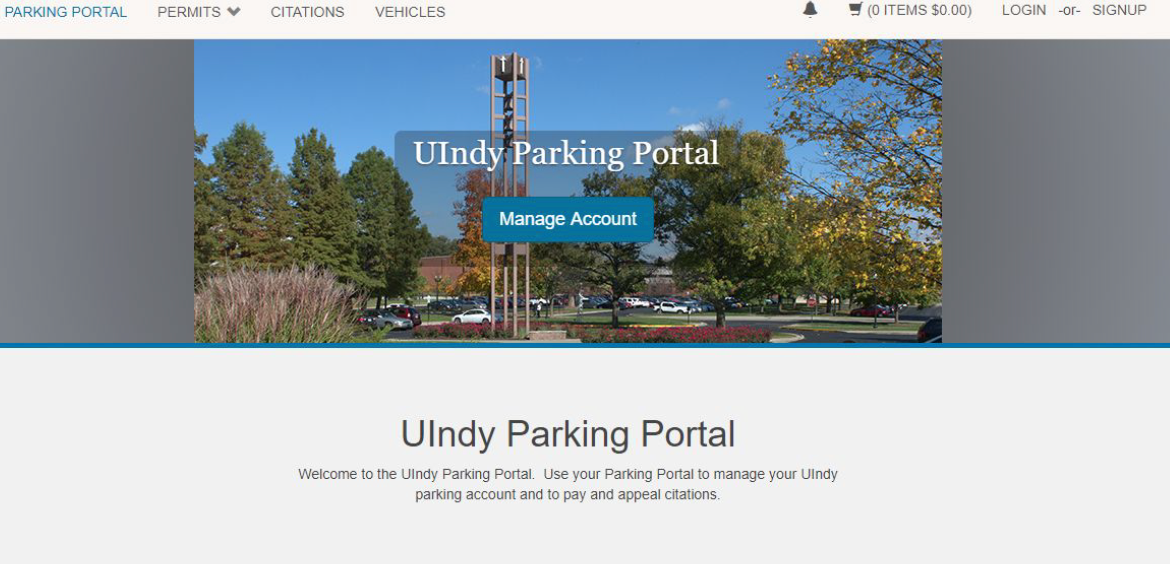
- Click the LOGIN button located on the top right corner of the screen.
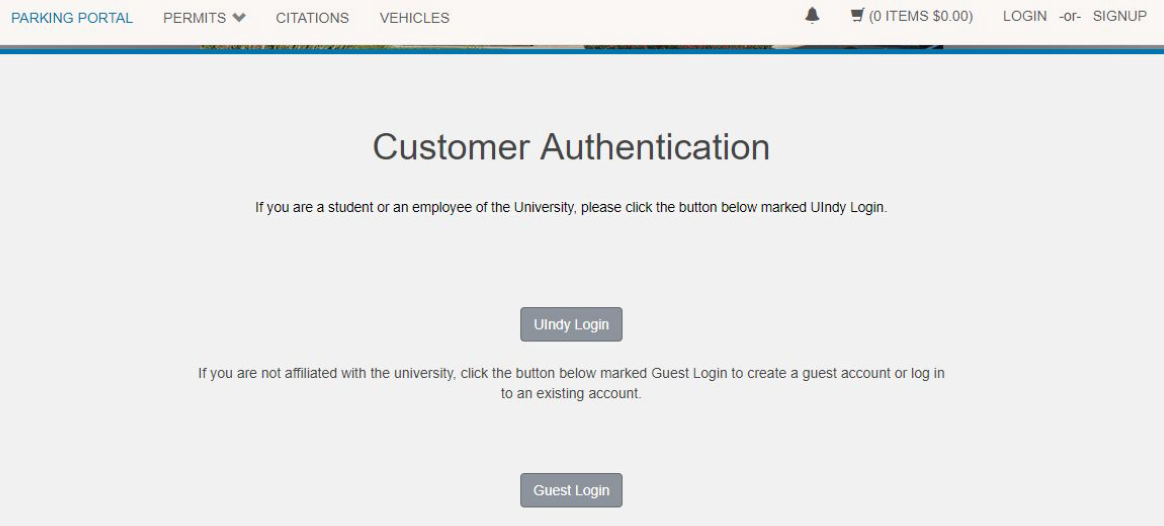
- UIndy employees and students will click on the UIndy Login button and use their UIndy username and password to access their account.
- Click on Vehicles located on the top center of the screen.
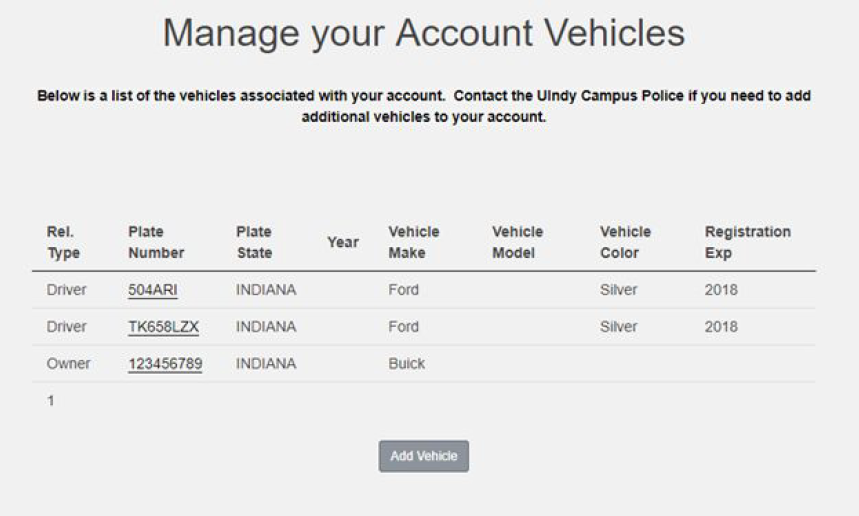
- Click on the Plate Number for the vehicle that you want to correct or Click on the Add Vehicle button if you need to add a new vehicle that will require a permit and proceed to step #7.
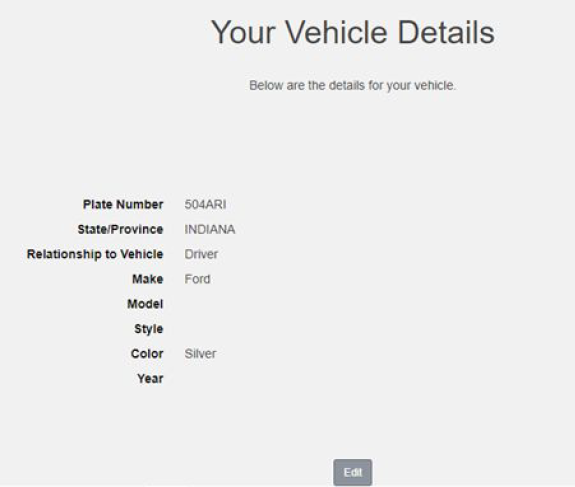
- Click Edit.
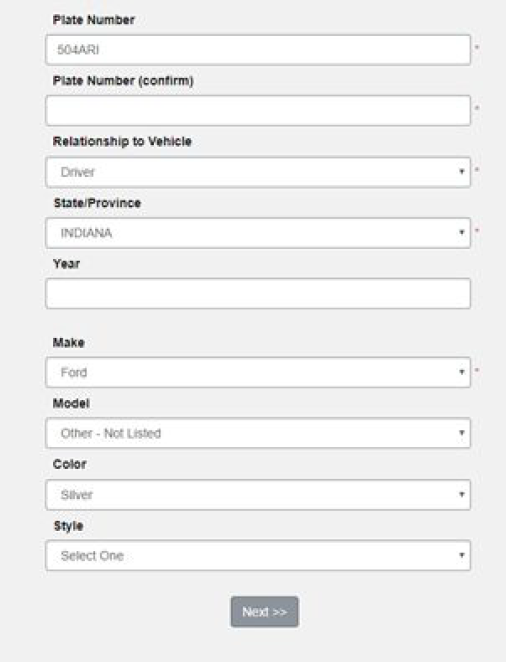
- Make the appropriate corrections on an existing vehicle or complete the required fields for entering a new vehicle. Click Next.
Questions? Email uindyparking@uindy.edu or call 317-788-3386.